
@GrapheneOS Hi, remote verification fails if I don't have wifi enabled on my phone. Is it supposed to only work via wifi? I couldn't find anything in settings or the remote verification web site to change that behaviour...
- replies
- 1
- announces
- 0
- likes
- 0
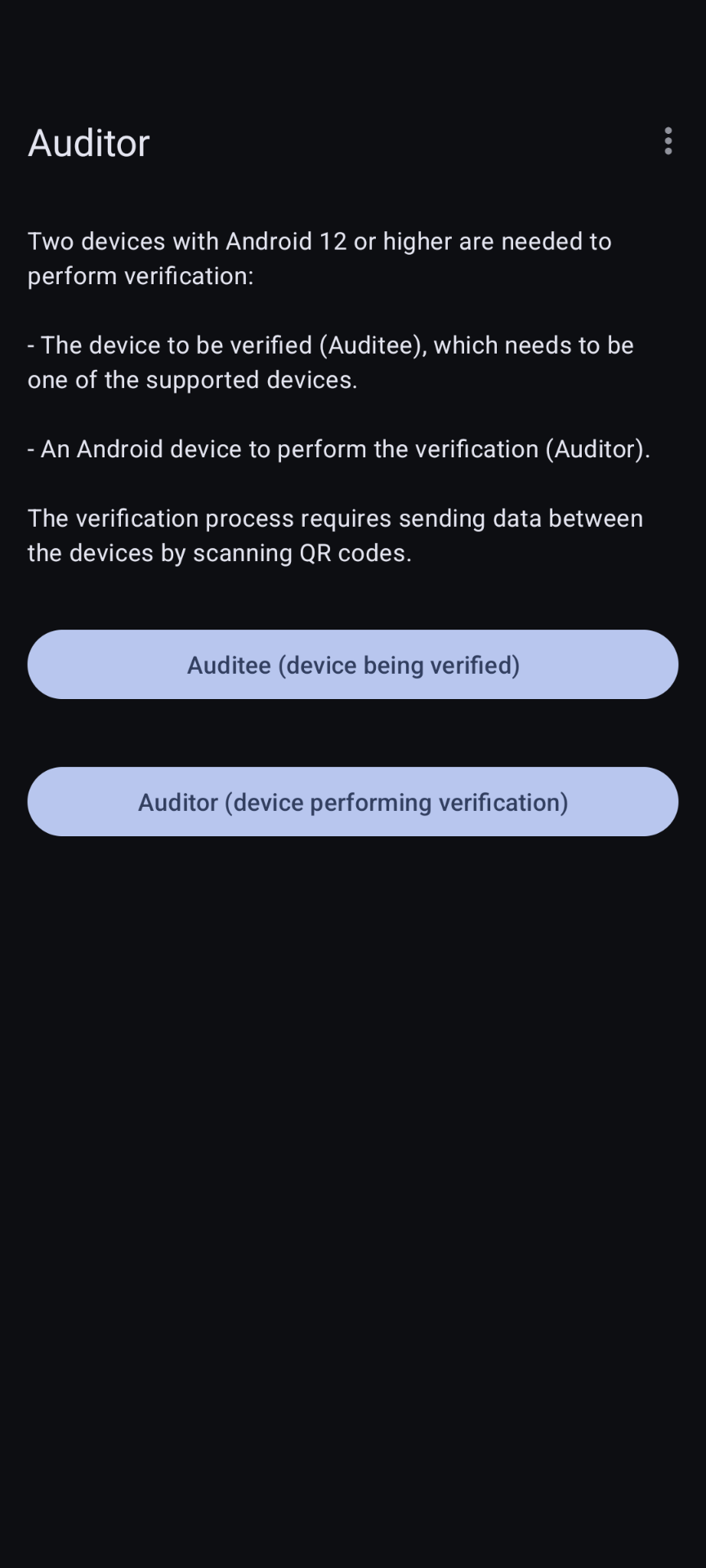
@GrapheneOS Thank you! Indeed, I had Data Saver on and no exception for auditor. However, in the auditor app itself, I see nothing about restricting access to mobile data. Under the 3-dots menu there are options for clearing pairings, disabling remote verification, submitting sample data, and for getting help. But I see nothing about choosing which network to use. Am I missing something?
@GrapheneOS I've got the original problem solved via the Data Saver config. But, I'd like to understand Auditor better. I can't find a way to get to the data usage menu you mention when I have Auditor open. The screenshot shows what I see when Auditor app is open. When I open the 3-dots menu there are 5 options: 1 + 2 are to clear Auditee or Auditor pairings, 3 is to disable remote verification, 4 submits sample data and 5 is for help. How do I get to data usage?