
Prusa Mini+ re-assembled with a new heatblock (and nozzle); first layer calibration looks ok, mostly; Prusa Connect agrees on the nozzle size; all that remains is a test print and hopefully we’re back in business #3dprinting
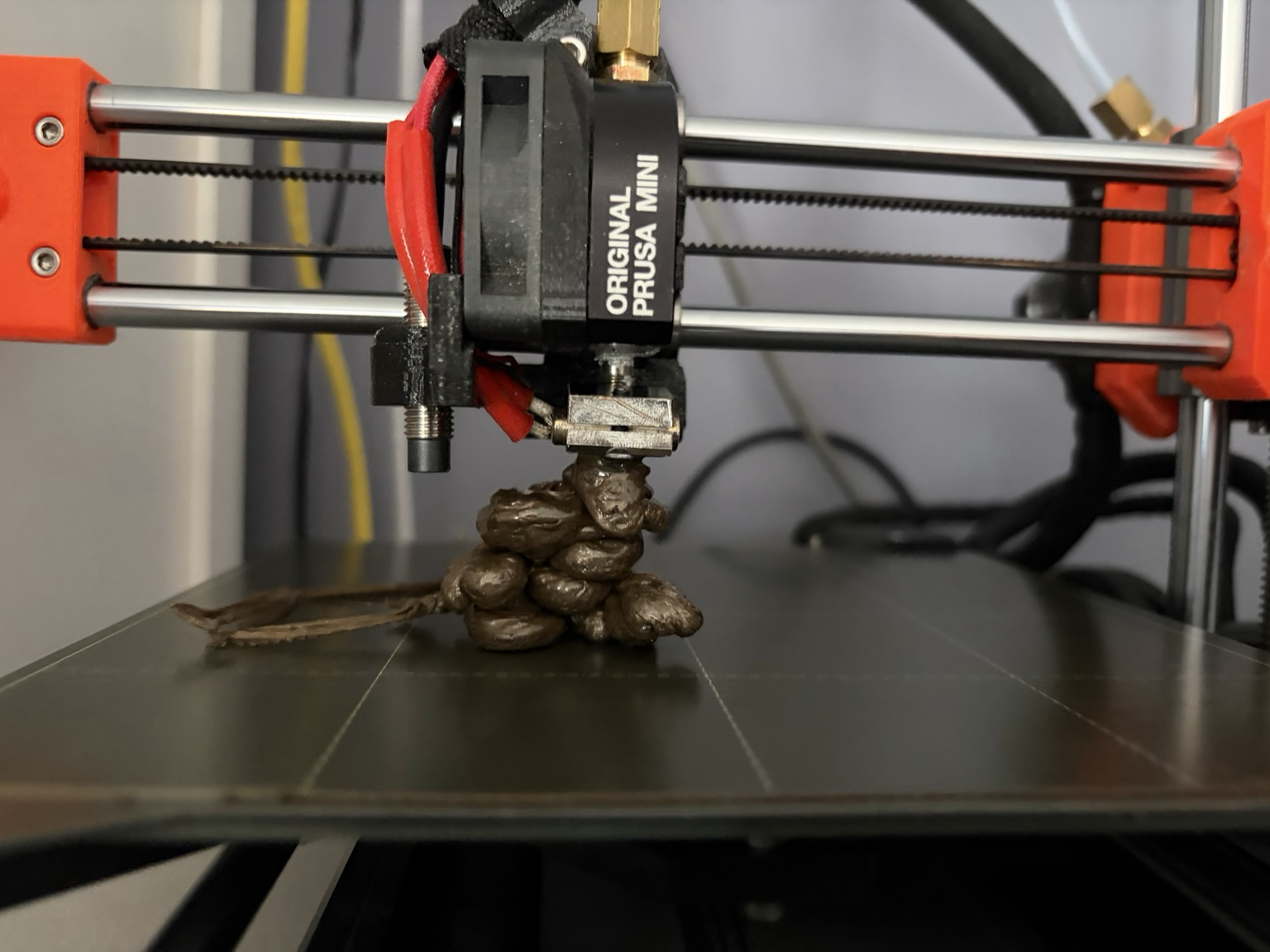
My next line of enquiry is to see if I can find an older printer profile, from before they enabled input shaping #3dprinting
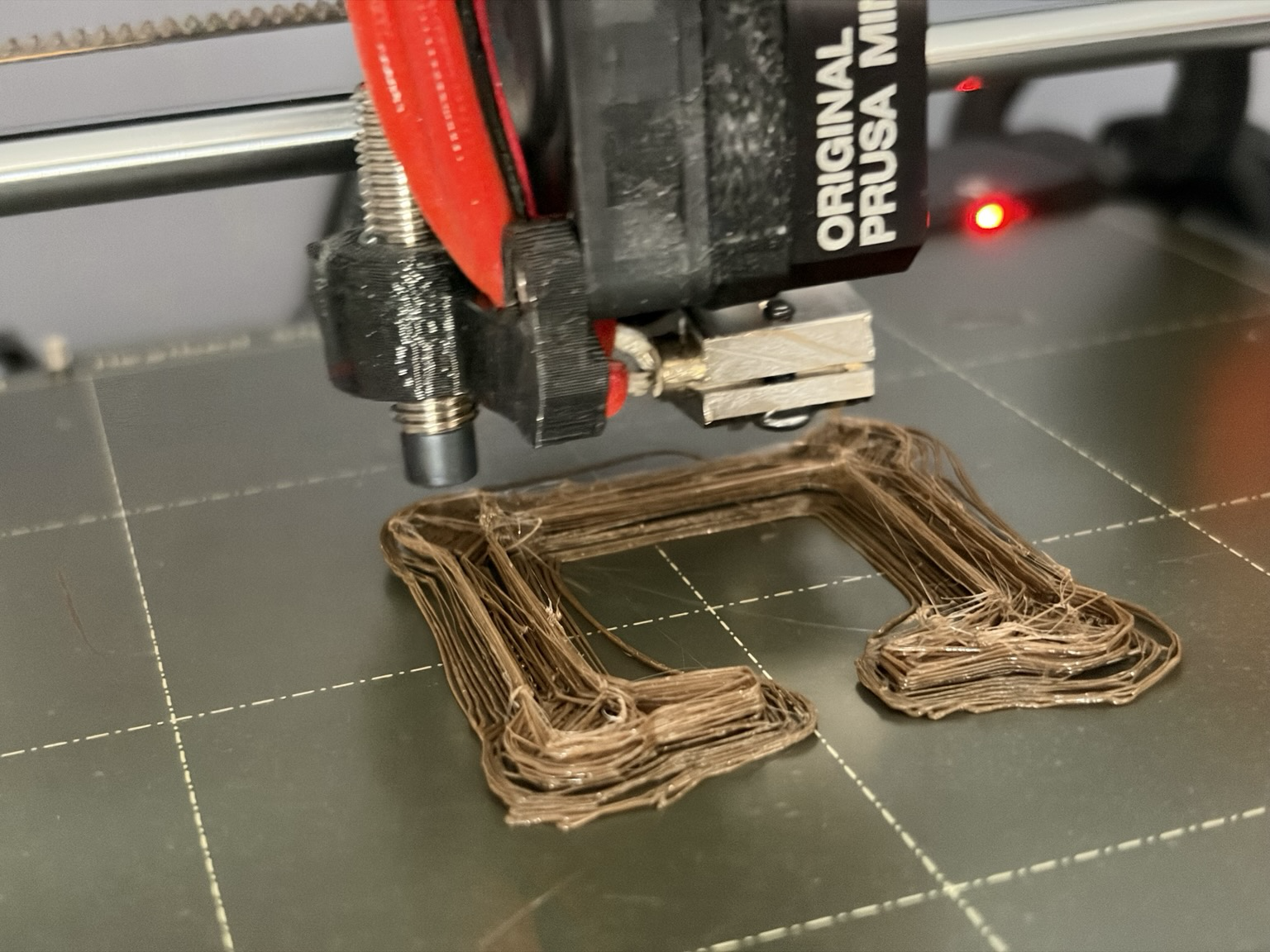
OK. Plan for 3d printer is to look at the extruder now, start with cleaning the gears.
#3dprinting
#3dprinting
disassembled extruder, cleaned out detritus, cleaned gears, re-assembled, printer still broken. GAH #3dprinting
- replies
- 3
- announces
- 0
- likes
- 0
This "curling" looks wrong to me. What could be causing it? This was recorded post filament load (during the "purge and check colour" phase)
@castaway not certain. I’ve been suspicious of it ever since Input shaping was turned on in the slicer. I’m going to try and find the pre-input-shaping profiles; or dig out so really old gcode if I still have some. Thanks
@castaway found some old gcode, the printer actually warns that it is not using input shaping! let's see what happens
@castaway it messed up too :( however I realised later that all my old gcode was sliced for a 0.4 nozzle and I’ve fitted a 0.6 now